Author: Shekhar

  • IT FITs Version 2.0 – Our most popular responsive template

    It’s been a while but it’s here finally. Version 2.0 of our most popular HTML5 CSS3 Responsive Template.

    Major updates since last version:

    • Updated Typography
    • Added large display responsive support
    • Dropped IE8 and older support
    • Removed flashy transitions.

    DEMO

    If you find any issues and want more features, submit them here in Github – https://github.com/cssjunction/It-Fits

    DOWNLOAD

  • All Code hosting on Github

    We have moved our sharing code base on Github. Yes, you heard it right. Today we have completed all code transfers, including demo previews on Github.  This will help us going further track bugs/issues and help resolve in run time. Also the download links will always have the recent one.

    Find us on Github CSS Junction

    We have published following project on Github as of now:

    Happy coding!

  • Metro UI Form using HTML5 and CSS3

    Metro UI Form using HTML5 and CSS3

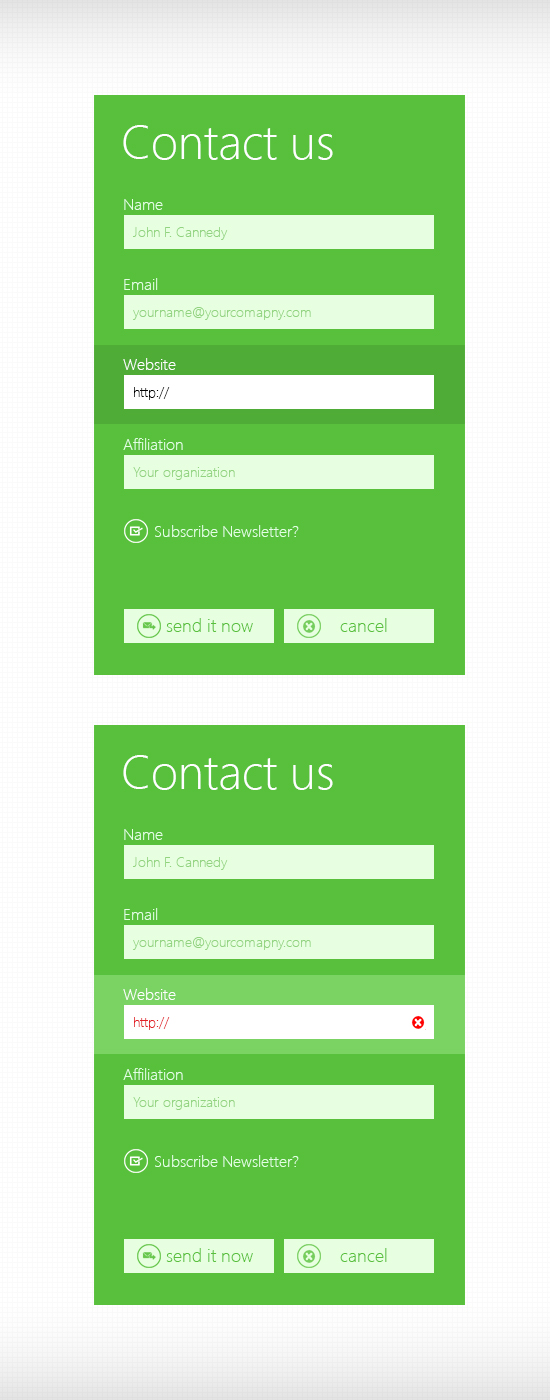
    Few months ago I had posted a PSD freebie for Metro UI Contact form. I received many requests saying for the HTML/CSS version of the same. So here is the form, coded using HTML5 and CSS3.

    A Quick preview:

    HTML/CSS Demo

    Metro Style Contact Form PSD

    Here you can download the HTML/CSS:

    Download

    Happy sharing!

  • CSS Icons for Better Web – Part I

    CSS Icons for Better Web – Part I

    Recently, I have been busy working on several mobile applications – both web and native apps. Most of them was User Centric and app was allowing them to set their own themes. This made my job as a CSS Developer a little trickier as I was using several icons with CSS sprites. Trying to come up with a better solution on how can I get rid of limited opportunity given by image sprites – I made a decision that CSS Icon should play the role here.

    Here is why I chose to do the same:

    • Very first, it’s very best for performance as there wont be any HTTP request and
    • CSS icons are modular – we can reuse and remake/style it based on condition.

    Today, I am going to share some of very basic icons – that we can create using CSS and use it right away- the way we wanted. This is a series of posts, will be posting more on coming days – more icons with CSS.

    Mean time, you can check CSS3 Document Icon, written by me for Nettus+.

    Quick Preview
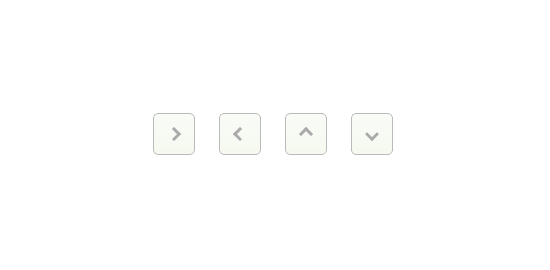
    Preview of CSS3 Arrow Icons

    Above preview, if you try to produce by using image icon – you gotta use 4 different images. But if you write by CSS, NO IMAGE is required. Even if you need to change the color and you did use image, you will need another set of images with color changed in Photoshop and reusing – causing bit more load to your page. By CSS – you can have as many colors as your want – much more efficient, efficient – that’s why I called it – CSS Icons for better web.

    How to  – Steps:

    1. A simple class with border on right & top – no background.
    2. Then Rotate it to different angles (45 for right, 135 for down, 225 for left and -45 for up.)

    Lets Do it.

    1. Any Element with Class .arrow

    <i class="arrow"> </i>
    

    Your CSS

    .arrow {
        display:inline-block;
        width:7px;
        height:7px;
        line-height:7px;
        border-top:3px solid #aaa;
        border-right:3px solid #aaa;
        -ms-transform:rotate(45deg);
        -moz-transform:rotate(45deg);
        -webkit-transform:rotate(45deg);
        transform:rotate(45deg);
    }
    

    Now create three more classes with different different rotation and apply to HTML along with the main class.

    .arrow-down {
        -ms-transform:rotate(135deg);
        -moz-transform:rotate(135deg);
        -webkit-transform:rotate(135deg);
        transform:rotate(135deg);
    }
    .arrow-left {
        -ms-transform:rotate(225deg);
        -moz-transform:rotate(225deg);
        -webkit-transform:rotate(225deg);
        transform:rotate(225deg);
    }
    .arrow-up{
        -ms-transform:rotate(-45deg);
        -moz-transform:rotate(-45deg);
        -webkit-transform:rotate(-45deg);
        transform:rotate(-45deg);
    }
    

    Changing the arrow color on HOVER, (See how easy – think what we used to do with images):

    .arrow:hover {
        border-color:#444;
    }
    

    You can see the final preview here (See in Result Tab):

    And Here is a useful demonstration, (using :after pseudo element instead of separate HTML element to keep markup clean and more semantic) (See in Result Tab):

  • O Simple – Free Website PSD Template

    O Simple – Free Website PSD Template

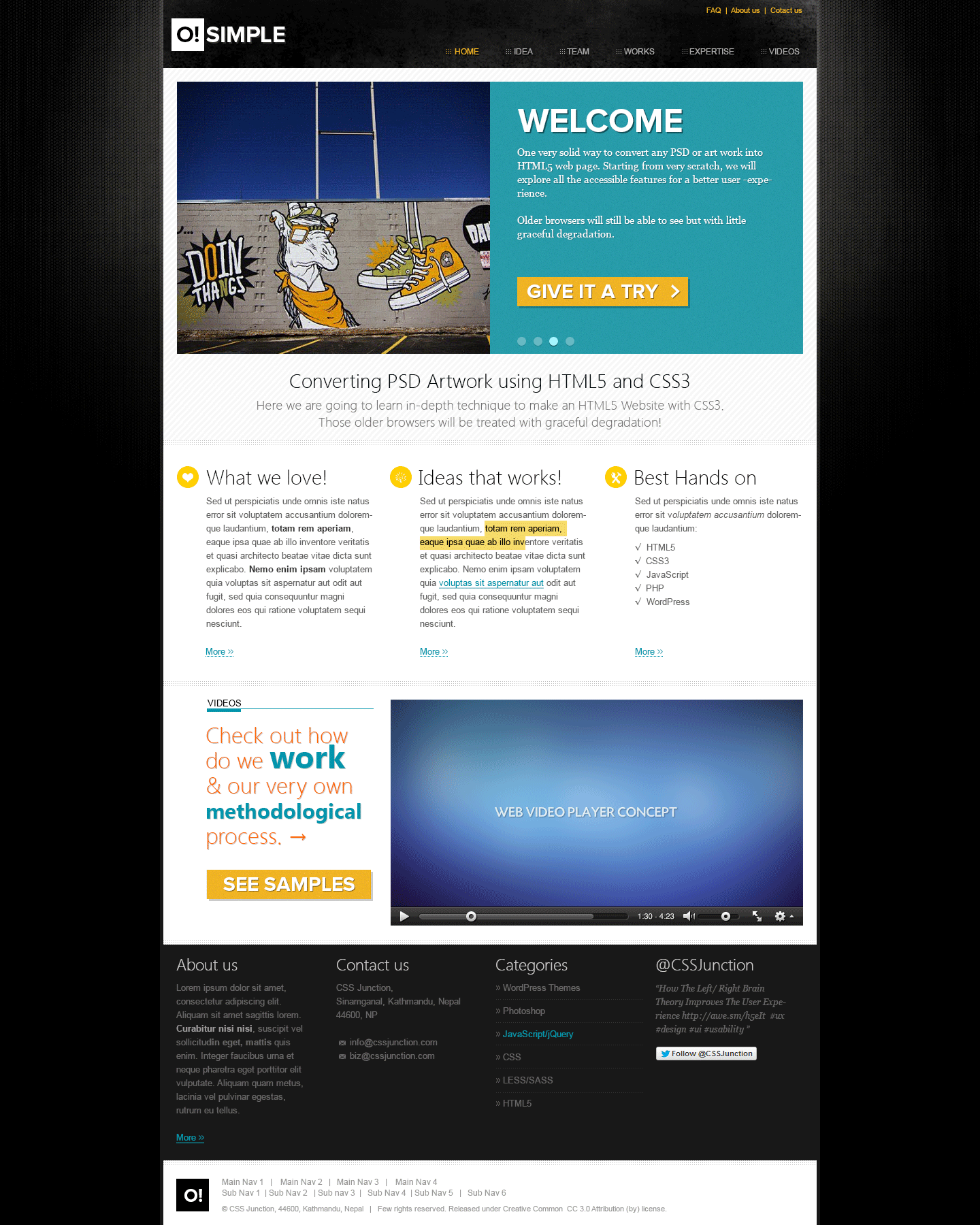
    I love freebies and when it is useful – I just download that. So here we have a very clean website template in psd format as a freebie today.

    O Simple - PSD Template

    My purpose

    I have designed this template to write a step-by-step tutorial on how to convert a PSD into HTML5 CSS3 Website. So you can expect the same within few days.

    I will be adding more views, like inner page & responsive view. So finally we will learn PSD to HTML5/CSS3 Responsive Website coding. You might want to keep your eyes around us for that.

    For now, download the PSD Template and have fun.

    Download

    PS: Video player PSD credit to PSDHome

  • Top 5 Articles on HTML5 Audio Video

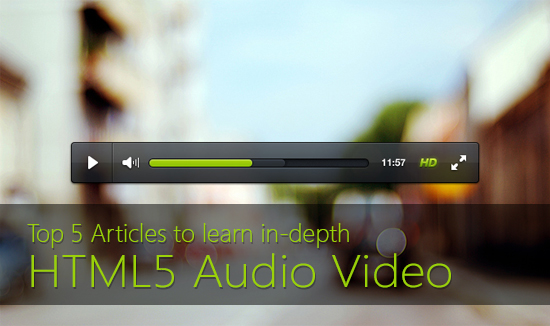
    Top 5 Articles on HTML5 Audio Video

    Learn HTML5 Audio Video

    1. Everything you need to know about HTML5 video and audio

    Here, Simon Pieters, from Opera, will walk you through everything basics you needed to know about HTML5 Audio & Video features. He says:

    This article aims to provide all the nitty-gritty details of HTML5 media, the DOM API, events, and so forth, so you can implement your own HTML5 player with fallback to old browsers.

    2. HTML5 Audio and Video: What you Must Know

    Bruce Lawson talks on Nettuts+ about must know facts regarding HTML5 Audio/Video.

    3. Getting started with the HTML5 Audio Video API

    Very quick & a short article to get you started on making your own media players on HTML5 Video.

    4. Using HTML5 Video and Audio in Modern Browsers

    This time, in-depth learning on API, learn about browser fall back & how to handle those legacy browsers – from SitePoint.

    5. How to Make Your Own Video Player On HTML5 Video

    Once again very depth article. This article will take you thoroughly on how you can create your very own media player using HTML5 Audio & Video.

    That’s it. Hope you will learn from very basic to creating your own full functional media players. Happy coding!

    PS: Image used in this post banner is taken from 356PSD.com

  • Learning Gamification

    Learning Gamification

    Learning Gamification

    Applying game design principles & techniques to non-game elements to increase user engagement is Gamification.

    Wikipedia says:-

    Gamification is the use of game design elements, game thinking and game mechanics to enhance non-game contexts.

    The very best example of Gamification is FourSquare app. It is very very new concept so it’s a kid in our era.

    Here are lists of very good place to learn more about Gamification, how you can use it today & what is the future of Gamification.

    1. Gamification –  Coursera Class
    2. Gamification & UX – Smashing Magazine article.
    3. Gamification by Designbook
    4. The Purpose of Gamification – O’Really
    5. Five Rules of Gamification – Forbes
    6. Fun is the Future – Mastering Gamification – Google TechTalks video

    Hope the list above going to help you readers get more insight & details on Gamification. Have you come across any good  articles similar? Comment it down below, I will read it.

  • 5 Beautiful Full Screen jQuery Slideshow

    5 Beautiful Full Screen jQuery Slideshow

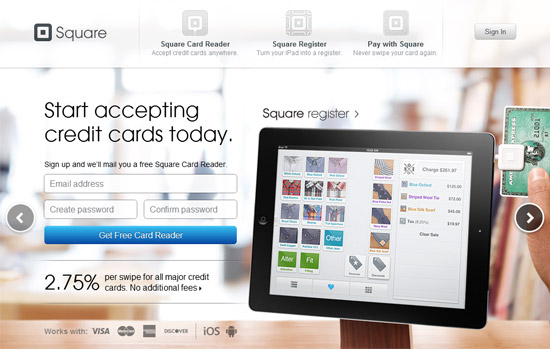
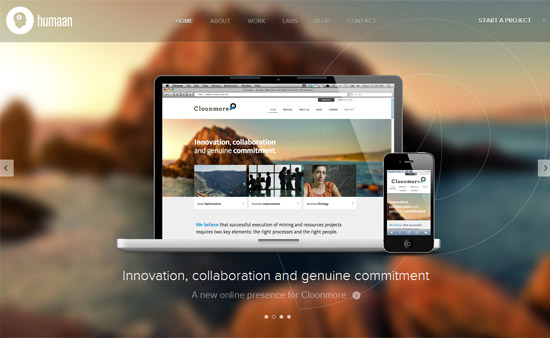
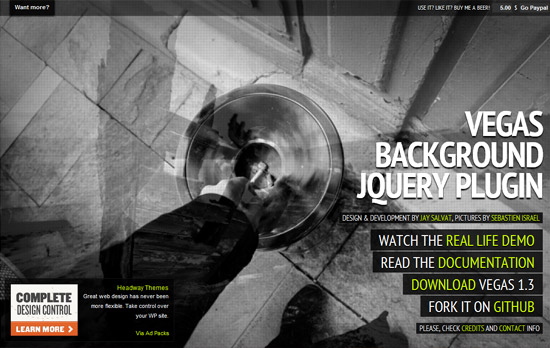
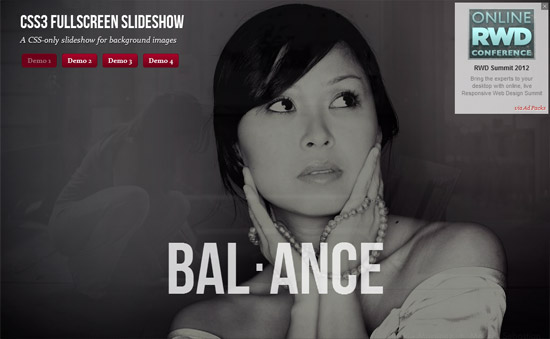
    I have come across 5 beautiful websites that has full screen jQuery slideshow. This websites incorporates quite different & unique sliders that covers whole screen & contents are presented so nicely. I liked them all.
    So, thought of sharing them with you for inspiration. Have fun folks.

    1. Square

    SquareUp

    2. Humaan

    Humaan

    3. Vegas Slider

    VEGAS Slideshow

    4. CSS3 FullScreen

    CSS3 Fullscreen Slideshow

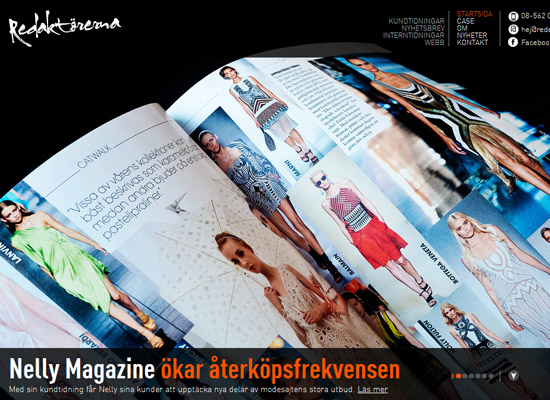
    5. Redarktorerna (Obsolete)

    Redalktorerna

    Have you come across anything similar? Let me know in comments.