Tag: CSS3

  • CSS3 Filter – Invert support in Internet Explorer 10+

    CSS3 introduced one of the very fancy features to do some creative things – “Filters”. Now we can make our images grayscale, blur it, change hues etc – everyone happy about it.

    Here is a list of the browsers that support this feature:

    1. Chrome (prefixed)
    2. Firefox
    3. Safari
    4. Opera

    and then we have Internet Explorer which still hasn’t put it on shipping list yet. At the time I am typing this – Internet Explorer 11 also doesn’t support CSS3 Filters.

    Statements from IE:

    Update: Microsoft Edge has shipped this feature as of Build 10586+

    I had a requirement to invert white images into the black. This was when the user switches themes on the website. Hence created this small useful plugin that takes the current image and uses SVG filter solution to invert it into the black.

    InvertImages

    Usage is pretty simple.

    Let us say you have an white image:

    <img src="images/icon-home.png" alt="Home Page" class="icon-home">

    And you wish to change this image into black, all you have to is:

    $("img.icon-home").invertImages();

    For more options, please read this Wiki:  InvertImages jQuery Plugin Wiki

  • IT FITs Version 2.0 – Our most popular responsive template

    It’s been a while but it’s here finally. Version 2.0 of our most popular HTML5 CSS3 Responsive Template.

    Major updates since last version:

    • Updated Typography
    • Added large display responsive support
    • Dropped IE8 and older support
    • Removed flashy transitions.

    DEMO

    If you find any issues and want more features, submit them here in Github – https://github.com/cssjunction/It-Fits

    DOWNLOAD

  • Metro UI Form using HTML5 and CSS3

    Metro UI Form using HTML5 and CSS3

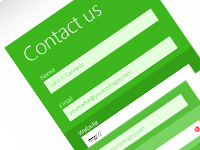
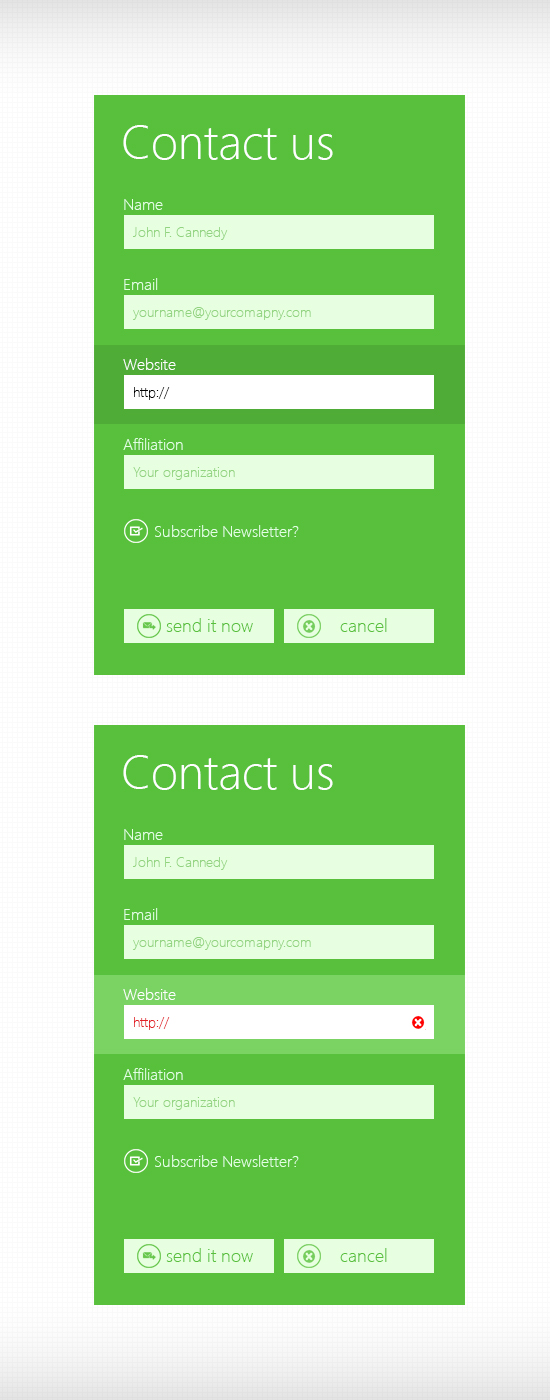
    Few months ago I had posted a PSD freebie for Metro UI Contact form. I received many requests saying for the HTML/CSS version of the same. So here is the form, coded using HTML5 and CSS3.

    A Quick preview:

    HTML/CSS Demo

    Metro Style Contact Form PSD

    Here you can download the HTML/CSS:

    Download

    Happy sharing!

  • CSS Icons for Better Web – Part I

    CSS Icons for Better Web – Part I

    Recently, I have been busy working on several mobile applications – both web and native apps. Most of them was User Centric and app was allowing them to set their own themes. This made my job as a CSS Developer a little trickier as I was using several icons with CSS sprites. Trying to come up with a better solution on how can I get rid of limited opportunity given by image sprites – I made a decision that CSS Icon should play the role here.

    Here is why I chose to do the same:

    • Very first, it’s very best for performance as there wont be any HTTP request and
    • CSS icons are modular – we can reuse and remake/style it based on condition.

    Today, I am going to share some of very basic icons – that we can create using CSS and use it right away- the way we wanted. This is a series of posts, will be posting more on coming days – more icons with CSS.

    Mean time, you can check CSS3 Document Icon, written by me for Nettus+.

    Quick Preview

    Preview of CSS3 Arrow Icons

    Above preview, if you try to produce by using image icon – you gotta use 4 different images. But if you write by CSS, NO IMAGE is required. Even if you need to change the color and you did use image, you will need another set of images with color changed in Photoshop and reusing – causing bit more load to your page. By CSS – you can have as many colors as your want – much more efficient, efficient – that’s why I called it – CSS Icons for better web.

    How to  – Steps:

    1. A simple class with border on right & top – no background.
    2. Then Rotate it to different angles (45 for right, 135 for down, 225 for left and -45 for up.)

    Lets Do it.

    1. Any Element with Class .arrow

    <i class="arrow"> </i>
    

    Your CSS

    .arrow {
        display:inline-block;
        width:7px;
        height:7px;
        line-height:7px;
        border-top:3px solid #aaa;
        border-right:3px solid #aaa;
        -ms-transform:rotate(45deg);
        -moz-transform:rotate(45deg);
        -webkit-transform:rotate(45deg);
        transform:rotate(45deg);
    }
    

    Now create three more classes with different different rotation and apply to HTML along with the main class.

    .arrow-down {
        -ms-transform:rotate(135deg);
        -moz-transform:rotate(135deg);
        -webkit-transform:rotate(135deg);
        transform:rotate(135deg);
    }
    .arrow-left {
        -ms-transform:rotate(225deg);
        -moz-transform:rotate(225deg);
        -webkit-transform:rotate(225deg);
        transform:rotate(225deg);
    }
    .arrow-up{
        -ms-transform:rotate(-45deg);
        -moz-transform:rotate(-45deg);
        -webkit-transform:rotate(-45deg);
        transform:rotate(-45deg);
    }
    

    Changing the arrow color on HOVER, (See how easy – think what we used to do with images):

    .arrow:hover {
        border-color:#444;
    }
    

    You can see the final preview here (See in Result Tab):

    And Here is a useful demonstration, (using :after pseudo element instead of separate HTML element to keep markup clean and more semantic) (See in Result Tab):
  • It Fits :: Free HTML5 CSS3 Responsive Template

    It Fits :: Free HTML5 CSS3 Responsive Template

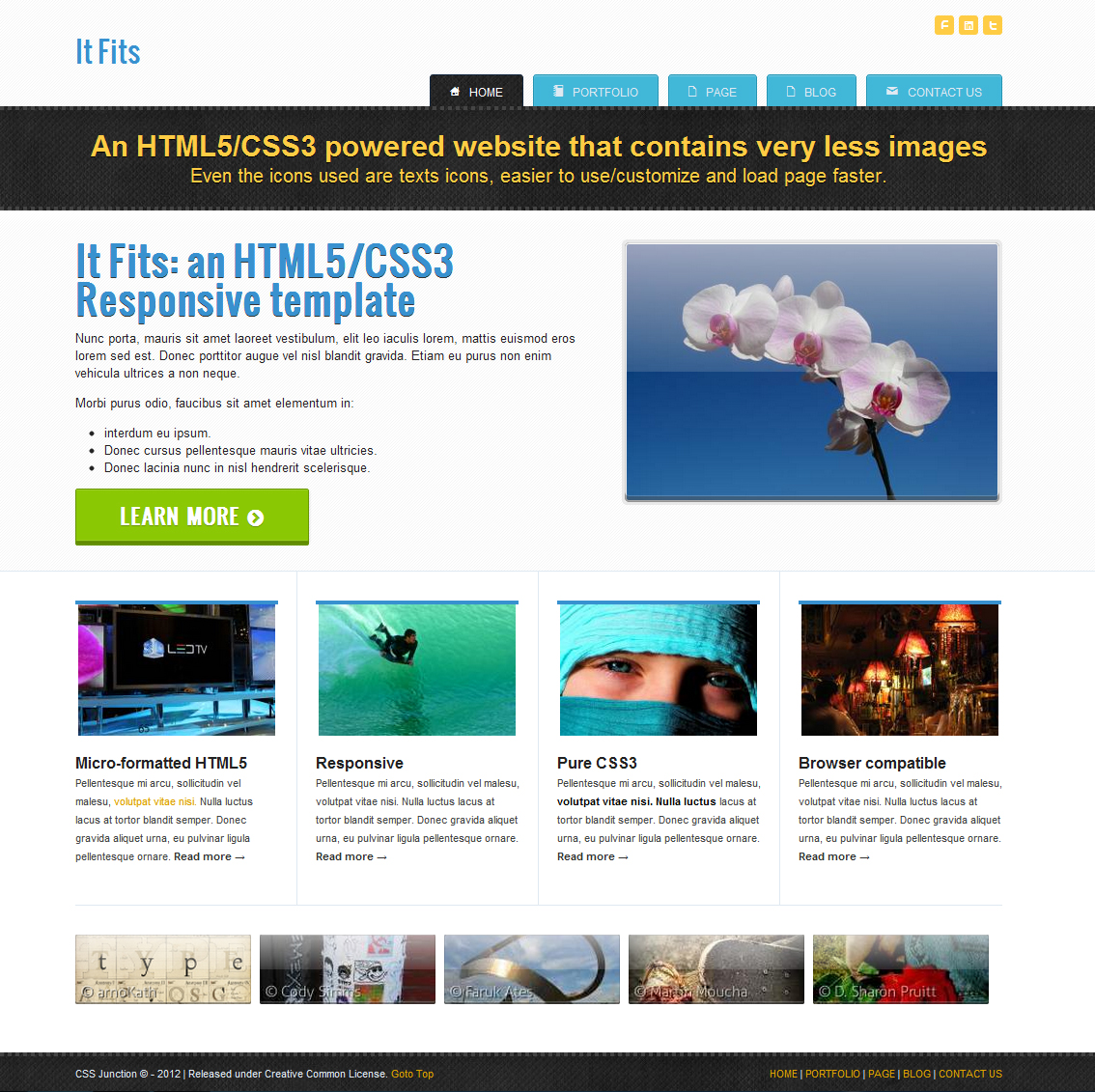
    We have something very special today for all of you great visitors. Its an HTML5 CSS3 Responsive Template, with 5 pages excluding 404 page. This template has something not just merely HTML5 new tags, it’s coded using WAI-ARIA roles for enhanced quality. Uses very less images, taking benefits from CSS3 features. Even icons are fonts – hmm super fast page loading.

    UPDATE: New Version 2.0 of this template is available.  Check Version 2.0 –  IT FITS.

    HTML5 CSS3 Template

    Page you will have:

    • Home page
    • Portfolio page
    • Regular page
    • Blog page
    • Contact page
    • 404 page – (default from HTML5 Boilerplate template.)

    I have used LESS css for this projects – for better and faster CSS coding, but you will notice there is pure CSS file is in use. Reason – what I used to do is I do code in LESS and compile it using any software like WINLESS and then I use the compiled pure css files. When you download the template source code, you will find three .LESS files but all complied in one css file that is main.css.

    Too much talk? Head over now:

    Demo

    Browser compatibility:

    All modern browser works fine. Responsiveness is missing from IE7 and IE8. IE9+, Chrome, Firefox, Opera, Safari works fine. You can see how it looks on the smaller device by re-sizing your browser. Or head over to The Responsinator, then give the demo URL and see.

    In terms of visual appearance, IE7 and IE8 has graceful degradation – no support for CSS3 so as, but template presentation is fine.

    IE6??? I don’t talk about it.

    That’s it guys – not much talk. This theme has been released under Creative Common  CC 3.0 Attribution (by) license, so feel free to use anywhere.

    Download now

    Let me know your views and feedback. Please follow us @CSSJunction, if you want to follow the author of template – @shekhardesigner

    More HTML5/CSS3 Templates:

  • Free HTML5/CSS3 WordPress Theme – Clin-UPress

    Free HTML5/CSS3 WordPress Theme – Clin-UPress

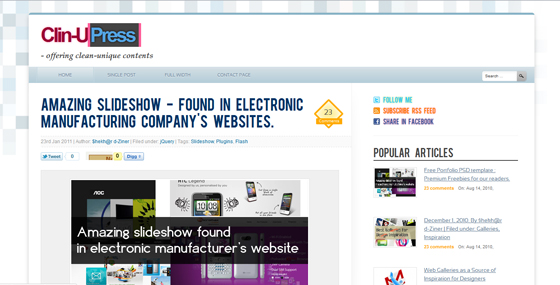
    After long time we are today releasing a very useful freebie – its a HTML5/CSS3 WordPress theme. Initially I coded this theme for my current blog, (where you’re now) but I came to create another minimal theme which is used now. So the theme was ready and without use in my HD – the reason I came to give it for you.

    Theme is best suited for running personal blogs, community blogs, tech blogs etc. Having excellent typography ensures visitors will enjoy reading. There is Bebas for main headline and secondary headlines are on Arial, rest of the copy is in ‘Sansatin Regular’. I grabbed both fonts from FontSquirrel.

    PSD

    There is no PSD of this theme, I directly coded it in HTML.

    Mark up

    Theme is coded in HTML5/CSS3 on base of HTML5 Boilerplate. Its just a HTML Template, isn’t coded in PHP yet. Currently theme has following pages

    1.) Home page

    Clin-UPress Home Page

    2.) Single post page

    Clin-UPress Single Post Page

    3.) Full width post page
    4.) Contact page

    Browser compatibility:

    Since theme is coded in HTML5 and CSS3 – I have tried to use much less images as I can. This theme is compatible with standard browsers and falls gracefully in IE.

    Copyright

    You can use this template for any kinds of usage – in your personal blog page or may be in commercial projects, but you can not remove the footer link for original theme location.

    Also I am gonna release its working WordPress theme which will be coded in PHP, subscribe our RSS feed or follow me in twitter to get updates.

    Futher, what you can not do is you can not publish its version template in your blog. Let me know if you’re interested to code it in php & release it through this blog.

    Check it out, demo of HTML Theme
    Demo

    You can grab all theme files in a ZIP, for free:
    Download

    If you find it really useful, share it.

  • Create Document Icon with CSS3

    Create Document Icon with CSS3

    Nowadays Im working more on mobile web apps. I have encountered many challenging works which I have accomplished with CSS3. Today I am gonna share a nice trick, how you can create a document icon with pure CSS3 only. I am using a single HTML element <a> (you can use your preferred one) to create this icon.

    Original link.

    Now this post is exclusively available on Nettuts.

    Final CSS3 Document Icon

  • Must read books for Web Desingers/Front End Developers in 2011

    Must read books for Web Desingers/Front End Developers in 2011

    A book list for Web Designers and Front End Developers, one must read to keep your knowledge aligned with current standard of emerging web technology.

    What is your preffered reading method? Reading on screen or reading printed books? I often choose printed books to read. Laying down on ground somewhere in park (or you may choose bed) and turning pages over, reading, makes more enjoyable (than just makign eyes bigger with tears looking at screen) – only possible if you choose to read printed books.

    Web industry is such a emerging field where last things goes (usually, not always) too obsolete and if you dont keep yourself upto date with current standards, it shows there is a high possibility that your competitor will left you behind and steal more clients.

    So, what takes it to be updated, well said staying upto date with current web standards and new technologies?
    In order to answer question above and help you to do so, I have listed a essential books, reading upon, you ll gain good and aligned knowledge with current web trends.

    List goes :

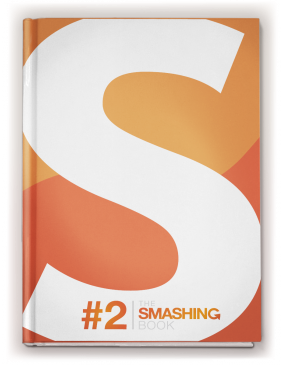
    Smashing Book #2

    By: Smashing Magazine

    Smashing Book 2

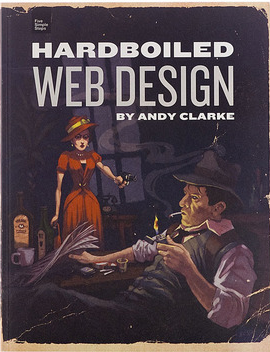
    Hardboiled Web Design

    By: Andy Clark

    Not available as of 2019 June.

    hardboiled-web-design

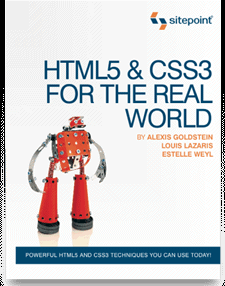
    HTML5 & CSS3

    By: SitePoint

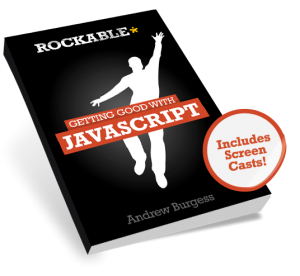
    Getting Good with JavaScript

    By: Andrew Burgess

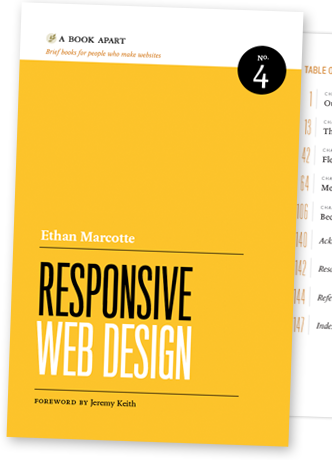
    Responsive Web Design

    By: ETHAN MARCOTTE

    Responsive Web Design

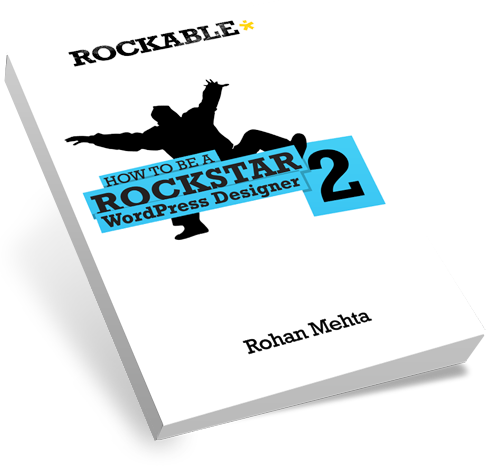
    Rockstar WordPress Designer 2

    By: Rohan Mehta

    WordPress Designer 2

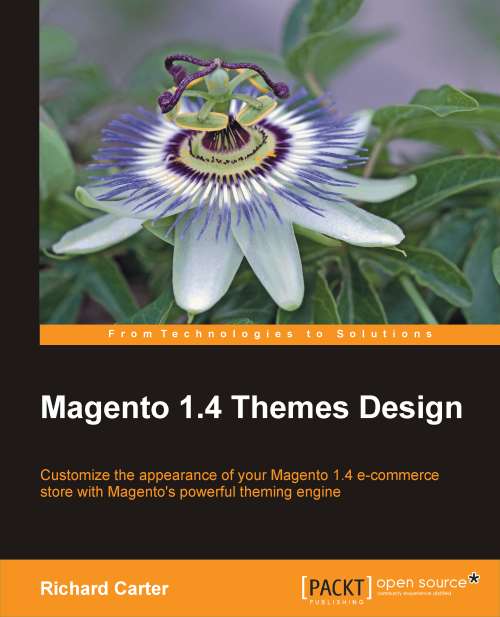
    Magento Theme Designer

    By: Richard Carter

    Magento1.4 Theme Design

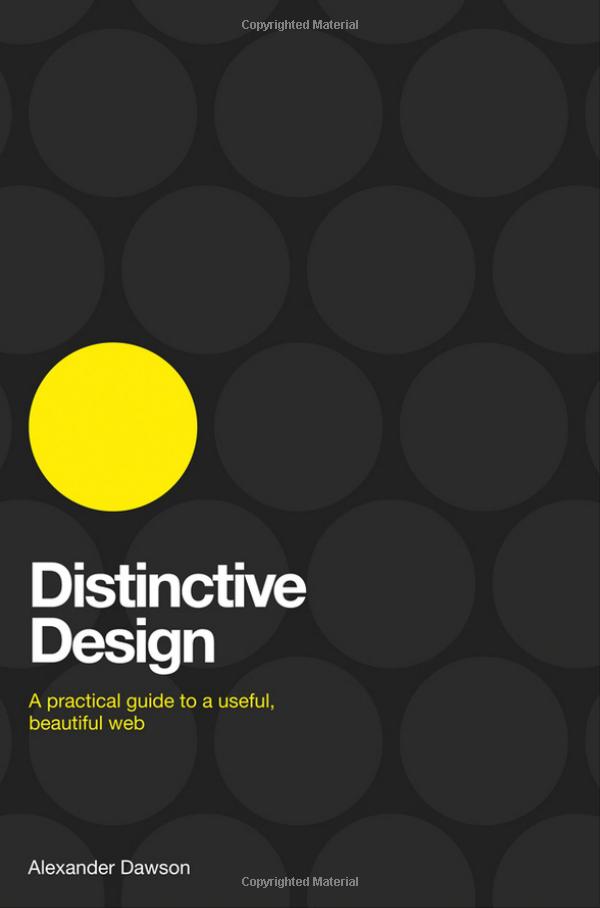
    Distinctive Design

    By: Alexander Dawson

    Distinctive Design

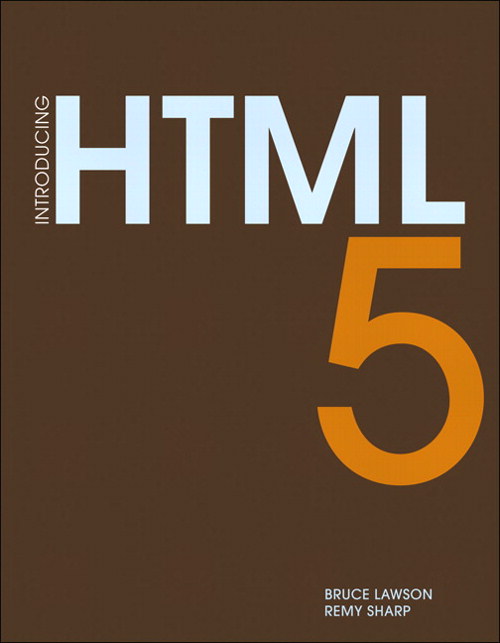
    Introducing HTML5

    By: Bruce Lawson, Remy Sharp

    Introducing HTML5

    Other recommendations:

    Enjoy reading, Happy reading !!!