Category: CSS

  • How to stop zoom in on input focus on mobile devices

    How to stop zoom in on input focus on mobile devices

    It has been almost a year since Safari (starting from iOS 10) disabled web developers ability to prevent user zoom.

    We normally the viewport meta for granted.

    <meta name="viewport" content="width=device-width, initial-scale=1.0, maximum-scale=1.0">
    

    This was a bulletproof solution to make our mobile responsive pages looks the same in all mobile browsers while we ignored that many users struggled to read our hand-picked crafted fonts and our 4K display supported font size.

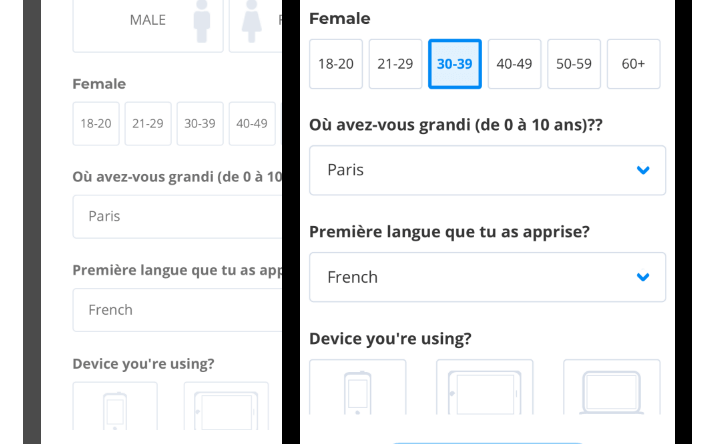
    We had one more problem. When users tap in any form fields – the webpage zoom in automatically.

    Problem
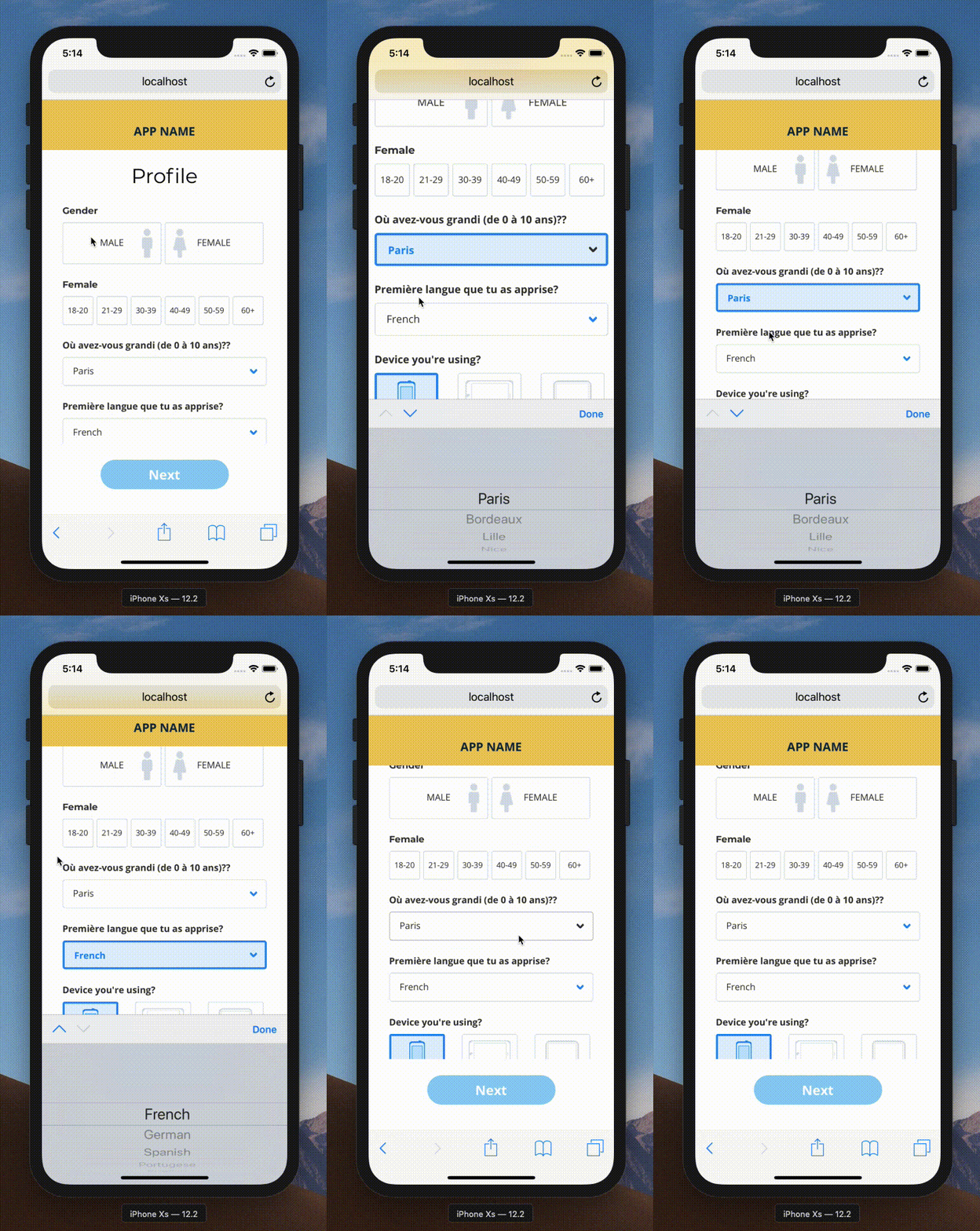
    Now I know for the fact that – allowing this feature stay unchanged is recommended – sometimes we do need to honour the client request and sometimes this zoom creates unwanted bugs in the UI.

    For example – a date picker input – if zoomed in mobile – would most likely break the UI.

    Continue reading below for the fix.

    You might be interested in:

    https://www.expiredqueues.com/youtube/why-i-never-make-a-youtube-video/
    I walk you through my procastination of how I never end up getting to the point.

    How To Fix

    By default, all mobile browsers force the form element to work as it is. But when a developer sets the font size less than 16 pixels on any form element – mobile browsers intervene and forces the UI or Page to zoom so that the texts are readable enough.

    You guessed it, the solution.

    Apply below

    @media screen and (max-width: 767px) {
      input, select, textarea {
        font-size: 16px;
      }
    }
    

    Please note, you can set any value for the max-width property as per your style guide or UI design.

    Same, the font-size: 16px might be overridden by other higher specificity rules, like other classes, selectors etc.

    It’s a good idea to use !important just in this case. You are restraining the selector only for mobile that means it won’t break your other UIs

  • IT FITs Version 2.0 – Our most popular responsive template

    It’s been a while but it’s here finally. Version 2.0 of our most popular HTML5 CSS3 Responsive Template.

    Major updates since last version:

    • Updated Typography
    • Added large display responsive support
    • Dropped IE8 and older support
    • Removed flashy transitions.

    DEMO

    If you find any issues and want more features, submit them here in Github – https://github.com/cssjunction/It-Fits

    DOWNLOAD

  • Excellent CSS Frameworks for Responsive Web Design

    Excellent CSS Frameworks for Responsive Web Design

    The year is 2012, shame on me – everyone knows that. The year is for Responsive Web Design – yeah now I said good thing. There are a plethora of books which can be so useful for getting started, yet when it comes to developing a project – CSS Frameworks strikes in mind. CSS frameworks are great for rapid development.

    So here I have listed some of the best Responsive CSS Frameworks you can choose to get started on your next responsive projects.

    Now the year is 2019. I had originally listed 10 very good framework of that time. Most of them were obsolete or deleted. I have updated the post to reflect only available frameworks.

    Bootstrap

    You can’t beat this!

    Bootstrap Framework

    Zurb Foundation

    Zurb Foundation Responsive CSS Framework

    inuit.css

    INUITCSS Responsive CSS Framework

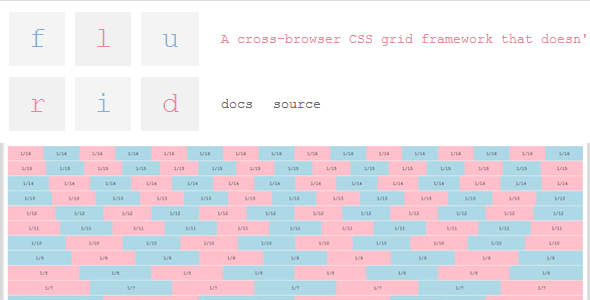
    flurid

    FLURID Responsive CSS Framework

    FluidGrids

    Fluid Grid Responsive CSS Framework

    Hope you enjoyed the list :)

  • How to remove black border around input buttons in IE 7?

    Here I am sharing a bullet proof working solution to remove ugly black border around IE 7 input buttons.

    Problem

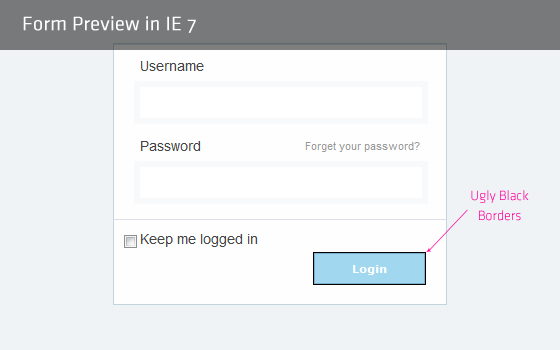
    The problem is there when a submit button is inside the form element. Click outside the form, form focus is gone,thus black border is gone. But form is focused when page loads so the problem exists there.

    IE7 Black border around input buttons

    Not working solution

    Every one suggest to add outline:none to fix this problem, since outline property is not supported by IE7, I say that this is a not working solution.

    Bullet proof Solution

    Just one property is required to get rid of this black border. Open you reset css file and add the these lines:

    input[type=submit],
    input[type=reset],
    input[type=button]
    {
           filter:chroma(color=#000000);
    }
    

    Why in reset css file?

    Because the problem is for all buttons in IE 7, since adding this fix in reset.css will fix our problem in entire site.

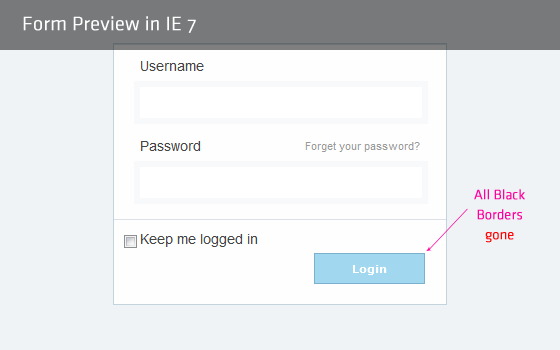
    That’s it. All black border is gone now. The fix is tried/tested against IE 7.

    Result

    Fixed IE7 Black border around input buttons

    Better if you put this fix in IE7-CSS file.

    Similar IE 7 Quick Trick

    How that sound to you? Isn’t it helpful :).
  • How to remove links dotted border in IE7?

    How to remove links dotted border in IE7?

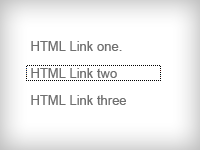
    Is your head spinning trying a:focus{outline:none;} to remove the dotted outlines in active links in IE7? Well mine was. After a long research and trying a lot test, I came to face a good, well worked trick to remove those ugly dotted borders.

    The myth

    Try out Googling on this topic and you ll find everyone is saying use this:

    	a:focus, *:focus {outline:none;}
    

    A never working fix for IE7.

    But hey, is that property supported in IE7? Simplest and fair answer is “No”. CSS ‘outline’ is not supported in IE7.

    Here you will find a quick trick how you can remove active links dotted outlines from IE7. (Sorry for recommending to use CSS expression, but this is the only solution for IE7.)

    The Solution

    Nothing more, just one lines in needed in your CSS, but its a CSS expression.

    a:focus, *:focus {
    	noFocusLine: expression(this.onFocus=this.blur());
    }
    

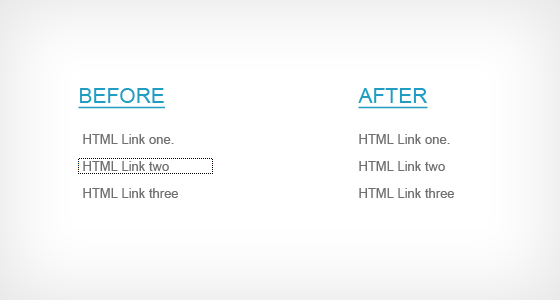
    Fix Dotted Borders in IE7


    Thats it. All those ugly dotted lines are gone. Its tested against IE7 only.

    Do you have another css trick on this? Share with me – comment it down.

  • We are re-designing!

    we are re-designing

    Hello guys,

    We are re-designing this blog to give a fantastic look. Finally a beta craft of logo is ready to share with you.  We will be back very soon with you guys with a lot of great stuffs.

    See full logo:

    clear-logo

    Your feedback on the logo is highly appreciated. See you later guys.