Author: Shekhar

  • jQuery Accordion with Carousel – Accarousel

    jQuery Accordion with Carousel – Accarousel

    Before a week one my friend had requested me to suggest any jQuery plug-in that is carousel with accordion effect inside. I tried to find one suitable plugin – but couldn’t make it. That made to write my own custom plugin that consist both carousel and accordion effect. Another one requirement was to flyout the most closed sibling elements to outside and hide rest of all when accordion expands.
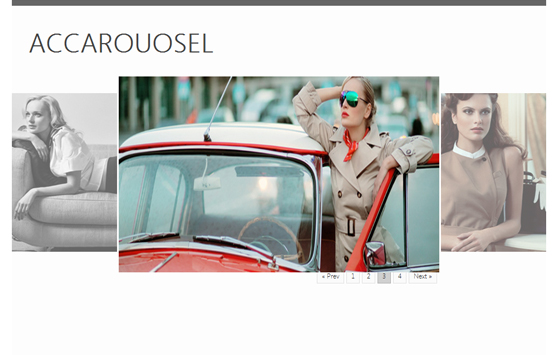
    Accordion

    So here I come with a solution and made it a plugin so that it might be useful for all of us. I love to code for re-use.

    Demo

    Usage:

    Here is the how you can you can use this plug-in to work on your side:

    HTML Markup

    <div id="accarousel">
       <ul>
    	<li>
                  <a class="stand">Initial visible contents</a>
                  <div class="detail-panel">Contents for accordion when exapands</div>
            </li>
       </ul>
    </div>
    

    You can add as many <li> as you want and any kinds of contents inside ‘.stand’ and ‘.detail-panel’. Pagination will occur according to your choice to group how many items should be visible on stage. Now you need to initialize the plugin. Before that you must include he plugin source in your html page. Include our plugin file after you added the main jQuery library.
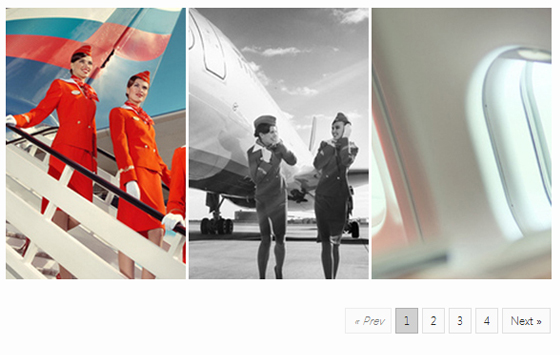
    Carousel

    Scripts

    <script type="text/javascript" src="jquery.cjAccarousel.min.js"></script>
    

    Now add the following script on the page, better you put this script at end of the page:

        $(document).ready(function() {
            $('#accarousel').cjAccarousel(); //#accarousel is your selector ID, see the html mark up above.
        });
    

    Further more you have more options to customize to fit your requirement and ease of work. Till the date, you can set your own values for following options:

        $(document).ready(function() {
            $('#accarousel').cjAccarousel(
              {
                  stand		: '.stand',        /* Visible stands element selector (class basically) */
                  panel		: '.detail-panel', /* Expandable element selector (class basically)   */
                  pagerClass	: 'pager',         /* Pager CSS Class */
                  x			: '.detail-panel', /* Panel Collapse handler */
                  groupOf		: 5,               /* Number of stands for visible group*/
                  scrollSpeed	: 1000,            /* Carousel Speed */
                  ease		: 'swing',         /* Use jQuery Easing Plug in for more easing effects */
                  flyOutGap	        : 3,               /* Gap between expanded and other two flyouts */
                  nextPrev	        : true             /* set false to disable Next/Prev Nav */
    
              }
    	);
        });
    

    You can add our basic styling CSS to get started and after all you can edit/modify it according to your need. That’s it.  If you’re happy to get a copy of my scripts, get it here:

    Download

    I will be working more on it, adding more features and effects. I would appreciated if you guys can give me valuable feedback on it. Also if you encounter any problem, let me know in the comments below.


  • Check (Glossy) Icon Freebie

    Check (Glossy) Icon Freebie

    Time is to get something glossy yet free today :). I have designed a glossy check icon. Here it is:

    Glossy Check Green Icon

    For your convenience, PNG icons are available in 16×16, 24×24, 48×48, 64×64 and 256×256 sizes. Get it now, layered psd

    PSD & Icons Download

    Let me know if it helps or you wish for something different @shekhardesiger

  • Detect Landscape/Portrait Mode using JavaScript

    Detecting device mode (landscape or portrait) using CSS3 is now very much easy and it is state of art. But it wont work on certain situations like I had. I failed to make @media queries detect device orientation on iPhone. So I came to write a JavaScript fix to get work done.

    Check my orientation test using CSS3 @media queries here. The demo page should show text ‘Portrait’ on portrait mode and ‘Landscape’ on respective mode. But it does not. You might want to try with you own device. Some of my friends said it is working.

    I Googled for the solutions, but I must say I couldn’t find any reliable one :(. If you prefer to use CSS3 media queries, check out the post on Stuff & Nonsense. And here it goes my JavaScript function that will detect the landscape/portrait mode.

    First, let us create a function called ‘checkOrientation‘ so that we can evoke it by just a name instead of repeating whole lines.

    Inside this function we will check the device orientation degree which we are going to take from window.oriantation method. If we get the degree 0 – its the mode portrait else its landscape.  Since we will be using window. orientation method, this function will only work in handheld devices. So here it goes our function:

    function checkOrientation(){
          var currMode = "";
    
          switch(window.orientation){
    
               case 0:
               currMode = "portrait";
               break;
    
               case -90:
               currMode = "landscape";
               break;
    
               case 90:
               currMode = "landscape";
               break;
    
               case 180:
               currMode = "landscape";
               break;
         }
         document.getElementsByTagName("body")[0].setAttribute("class", currMode);
    }
    

    I have used switch statement to set the currMode variable, which we are going to use as class on required html elements. I set that class on body.

    Now its time to call the function, you can call it directly or on window.load method. I think window.load method is better and safe. So lets call it:

    window.load = function() {
         checkOrientation();
    }
    

    When our page is ready, check the class of body element. We are done. But wait what if we change the orientation now? Yes, we need to update the class on orientation change.

    For this, we have window.onorientationchange method, which is also available on devices only. We will recall our function inside this method:

    window.onorientationchange = function(){
          checkOrientation();
    }
    

    Thats it. Now we are completely done. Check-out the Landscape/Portrait Mode detection demo.

  • 7 Ways to Code Faster HTML CSS

    7 Ways to Code Faster HTML CSS

    7 Ways to Code Faster HTML and CSS

    Are you a fast coder? Yes? If then how fast you can code? Being a fast typist isn’t about coding faster. Faster coding is about getting more things done with less effort. Here comes the role of productivity tools.

    Listed below are some very useful productivity tools – for Frong End Developers. The tools below will help you code must faster and saves a lot of time. After all we are not a typist :), so why don’t we use these tools:

    HTML

    1.) ZEN CODING

    Zen Coding is an editor plugin for high-speed HTML, XML, XSL (or any other structured code format) coding and editing. The core of this plugin is a powerful abbreviation engine which allows you to expand expressions—similar to CSS selectors—into HTML code.

    Best learn resource: http://coding.smashingmagazine.com/2009/11/21/zen-coding-a-new-way-to-write-html-code/

    2.) Halm

    Haml is a markup language that’s used to cleanly and simply describe the HTML of any web document without the use of inline code. Haml functions as a replacement for inline page templating systems such as PHP, ASP, and ERB, the templating language used in most Ruby on Rails applications.

    Best learn resource: http://haml-lang.com/tutorial.html

    3.) Sparkup

    You can write HTML in a CSS-like syntax, and have Sparkup handle the expansion to full HTML code. It is meant to help you write long HTML blocks in your text editor by letting you type less characters than needed.

    Best learn resource: https://github.com/rstacruz/sparkup

    CSS

    4.) LESS

    The dynamic stylesheet language. LESS extends CSS with dynamic behavior such as variables, mixins, operations and functions.

    Best learn resource: http://webdesign.tutsplus.com/tutorials/htmlcss-tutorials/get-into-less-the-programmable-stylesheet-language/

    5.) SASS

    Sass is a meta-language on top of CSS that’s used to describe the style of a document cleanly and structurally, with more power than flat CSS allows.

    Best learn resource: http://net.tutsplus.com/tutorials/other/mastering-sass-lesson-1/

    6.) Prefixr

    CSS Prefixr is a CSS pre-processor tool, that generates the cross browser css from given codes. Forget about writing multiple browser prefixes and start using Prefixr.

    7.) SpriteCow

    Sprite Cow helps you get the background-position, width and height of sprites within a spritesheet as a nice bit of copyable css.

    All of the above tools are my daily usage tools. Once you get the rid of using these tools – you will thank me for listing.

  • Excellent CSS Frameworks for Responsive Web Design

    Excellent CSS Frameworks for Responsive Web Design

    The year is 2012, shame on me – everyone knows that. The year is for Responsive Web Design – yeah now I said good thing. There are a plethora of books which can be so useful for getting started, yet when it comes to developing a project – CSS Frameworks strikes in mind. CSS frameworks are great for rapid development.

    So here I have listed some of the best Responsive CSS Frameworks you can choose to get started on your next responsive projects.

    Now the year is 2019. I had originally listed 10 very good framework of that time. Most of them were obsolete or deleted. I have updated the post to reflect only available frameworks.

    Bootstrap

    You can’t beat this!

    Bootstrap Framework

    Zurb Foundation

    Zurb Foundation Responsive CSS Framework

    inuit.css

    INUITCSS Responsive CSS Framework

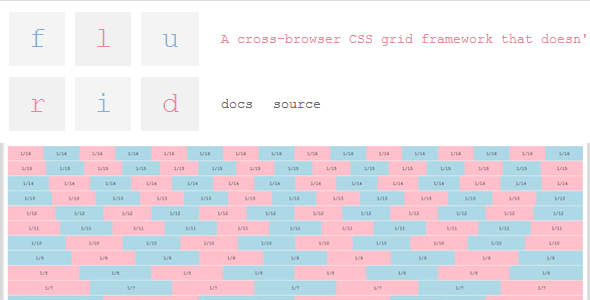
    flurid

    FLURID Responsive CSS Framework

    FluidGrids

    Fluid Grid Responsive CSS Framework

    Hope you enjoyed the list :)

  • Portfolio PSD Template V 2.0

    Portfolio PSD Template V 2.0

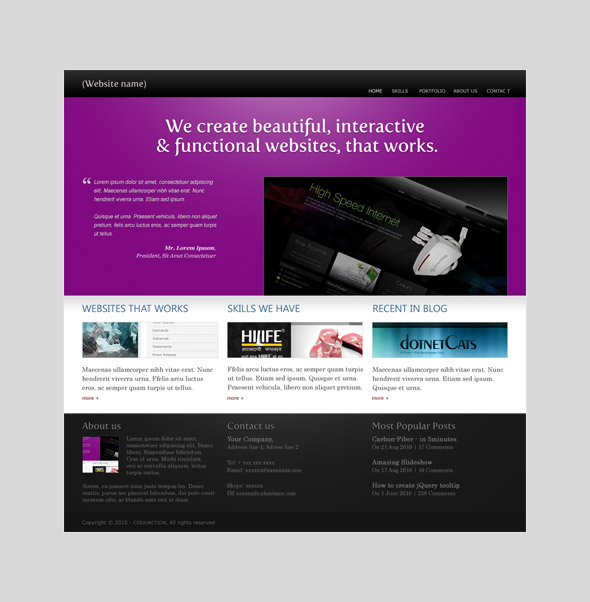
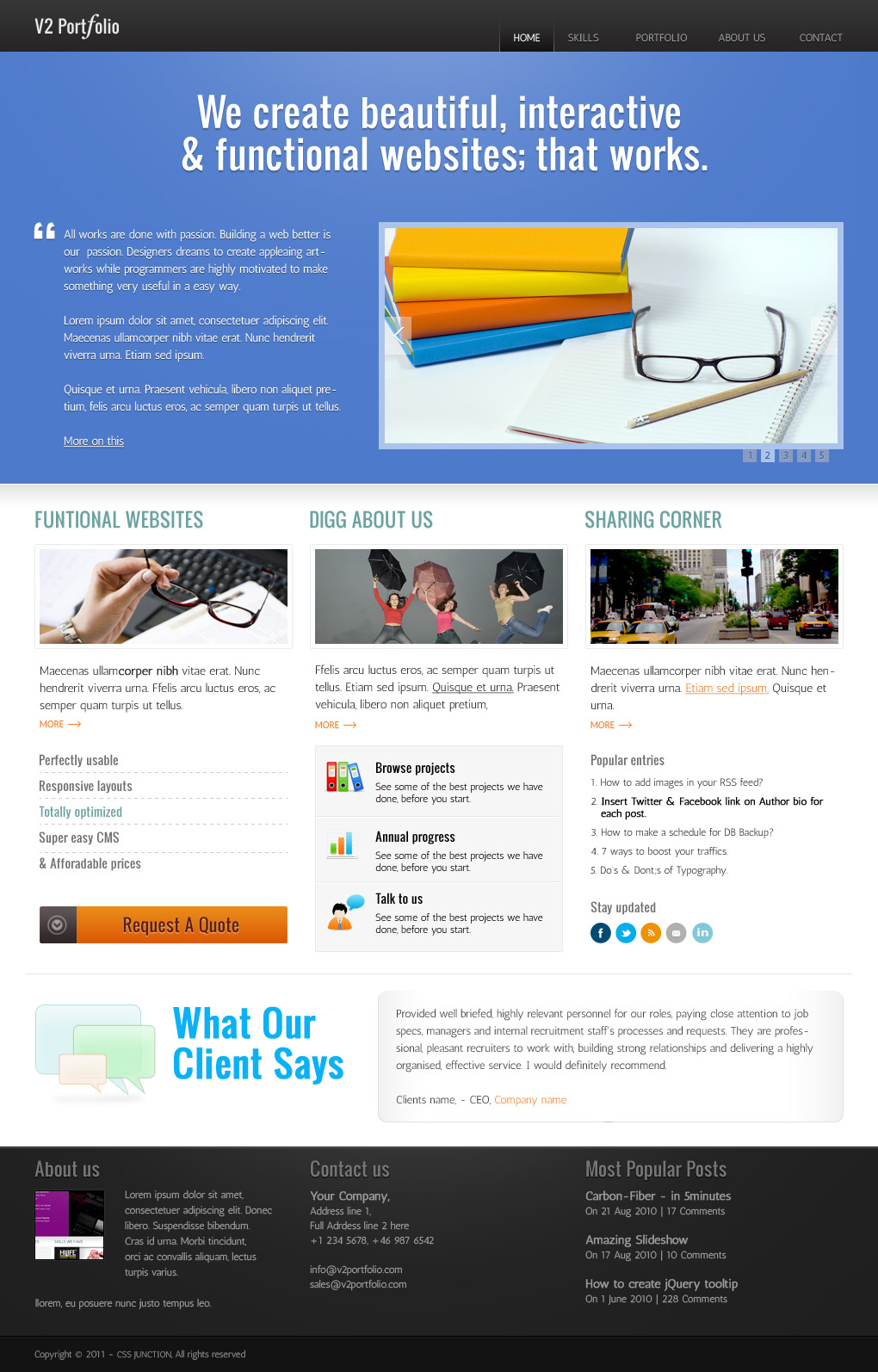
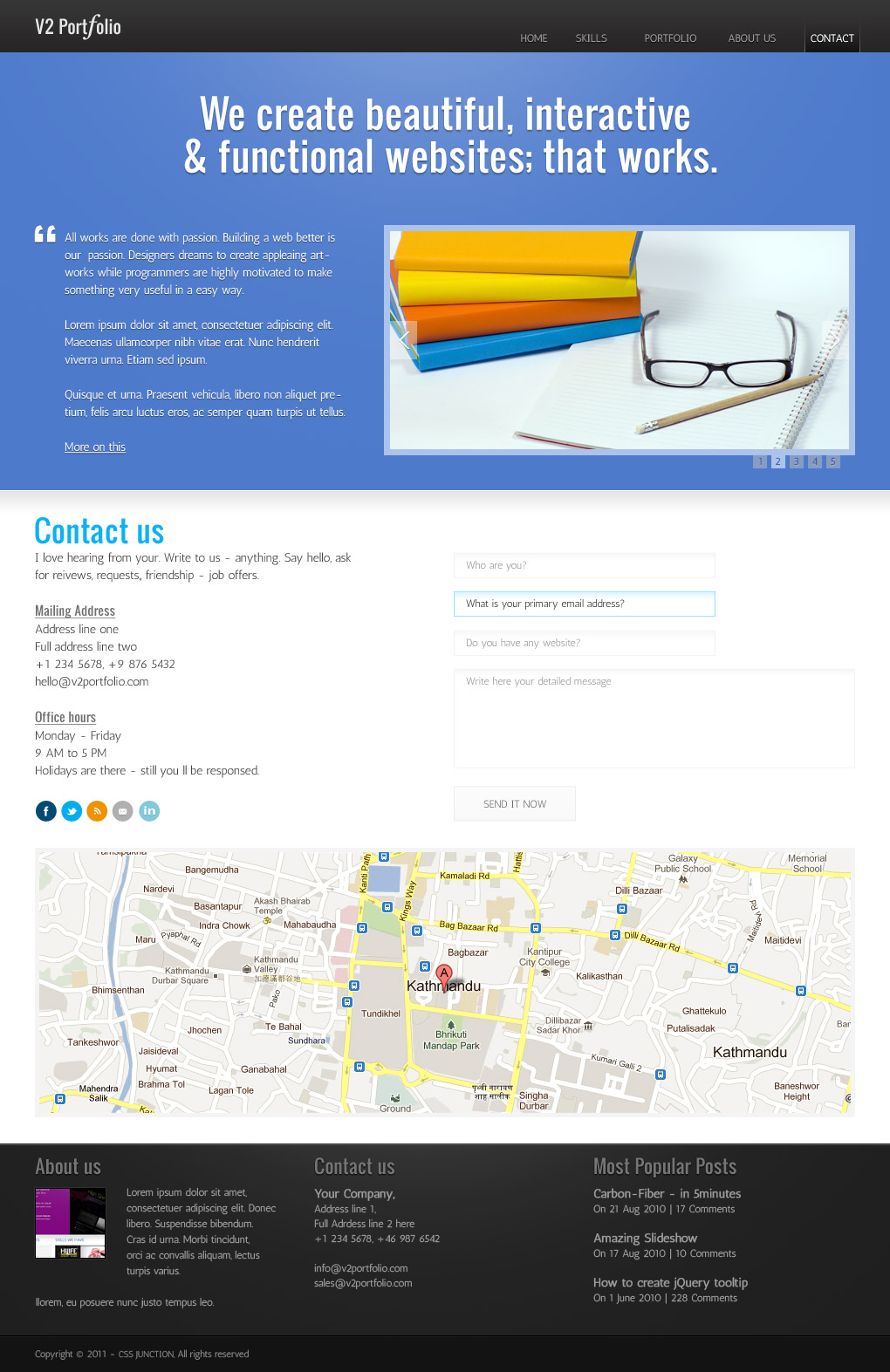
    Our last Portfolio PSD Template, which was a standalone one page PSD Template got a lots of love from you – its the most popular download till the date on CSS Junction. Considering you deep interest in that portfolio template, here I have updated its design, added more pages that makes it a complete portfolio package template.

    V 1.0 (Original) Template

    Portfolio PSD Template V 1.0

    V 2.0 Template

    Portfolio PSD Home page

    Major updates

    • Navigation
    • Typography
    • Content section
    • Additional pages added

    Technical details

    • You’re right – its on 960 grid.
    • Heading fonts from Google Web Font – its Oswald.
    • Body copy texts – Antic from Google
    • All images (except work samples) are royalty free stocks from photoXpress.com.

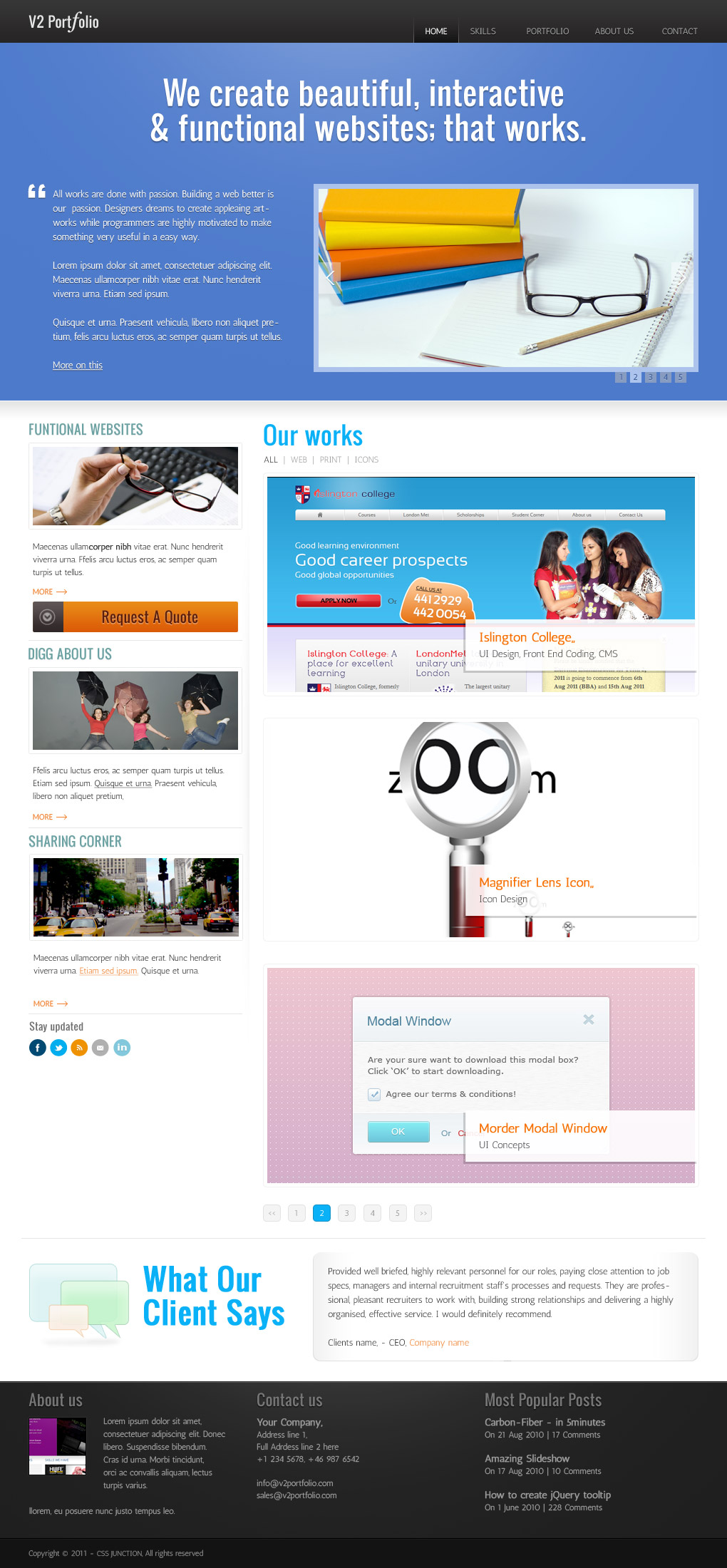
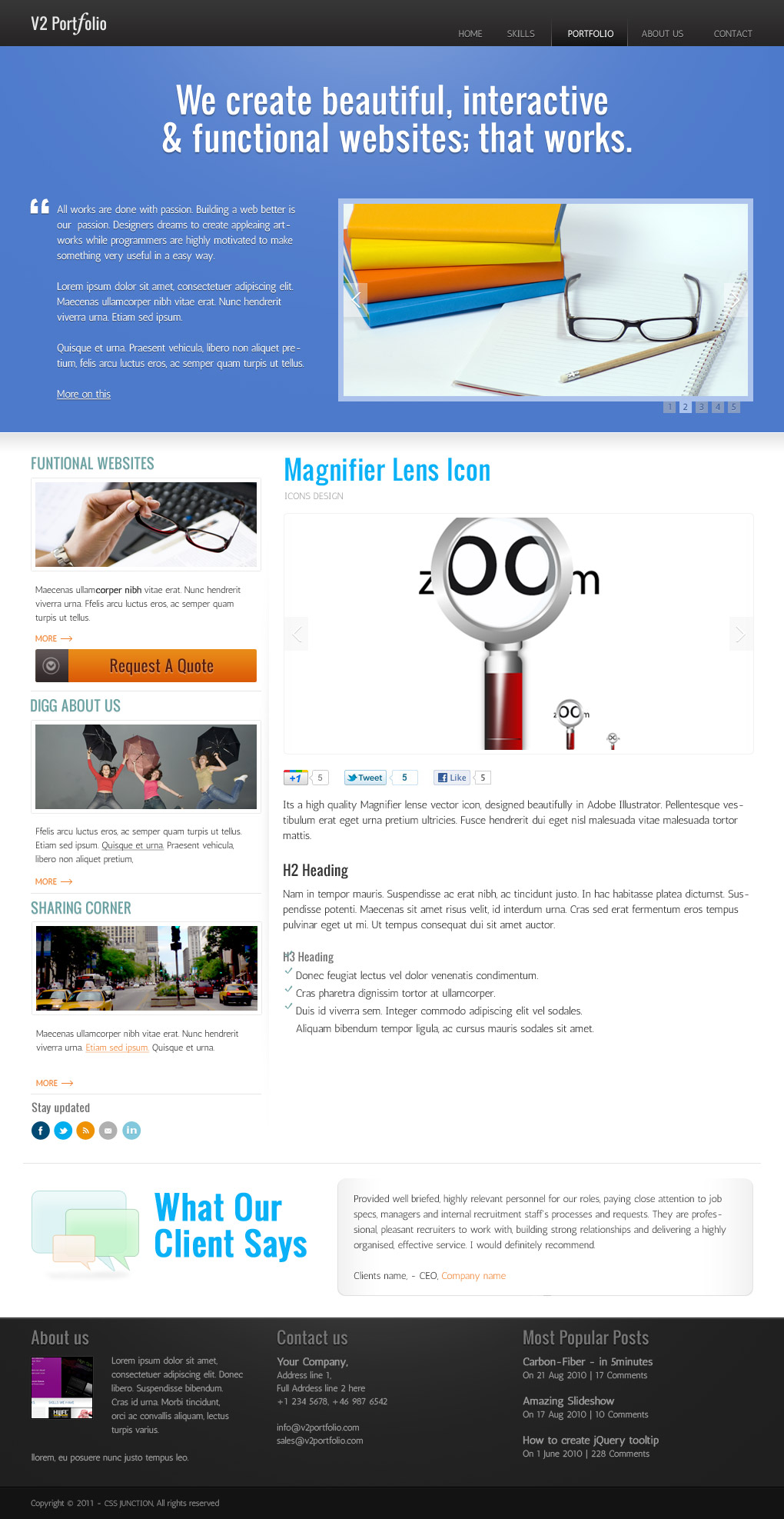
    Other pages

    1. List page
    List page template
    2. Full page
    Full Portfolio Page
    3. Contact page
    Contact page template
    All together – 4 pages, which makes it a complete template pack.
    As you know- I don’t like to talk much when its a freebie post – straight to point. Download the PSD.

    Loved it? I wont mind a tweet or share on facebook.

  • Magnifier Lens Vector Icon

    Magnifier Lens Vector Icon

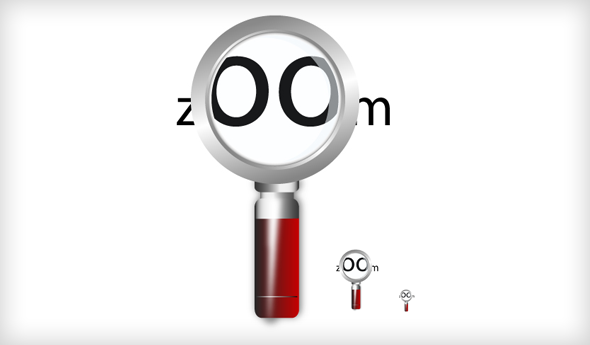
    We have a quality freebie for today – coz its time for Friday Freebie. Its a high quality Magnifier lense vector icon, designed beautifully in Adobe Illustrator.

    Fact

    I hardly remember when I desinged it – might be 3 yrs ago. I was searching in my archieve for a old layout file, suddenly I found this – and thought to share with all of you.

    Preview

    magnifier-lens-vector-icon

    No more talk/salk- download ZIP for AI file.

    Download

    Oh, yes – do not forget to subscribe our RSS feed for more quality freebies. Like our Facebook Page.

  • Scrollbar PSD Set

    Scrollbar PSD Set

    While making a psd for web layouts we often forget to design the scrollbar elements. Yes, its true because of we can not style it using CSS only, but we can style scrollbar using js plugins, my favorite is jScrollPane.

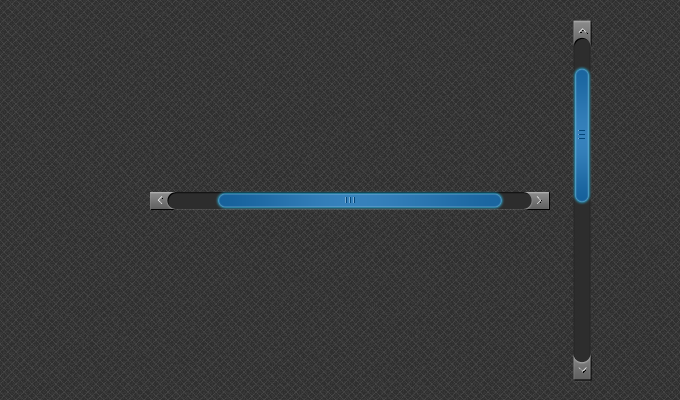
    So here is a useful freebie for you. Grab a useful UI PSD as a today’s freebie. Its a scrollbar psd. Horizontal + Vertical scrollbar both are in psd file.

    Scrollbar preview

    Scrollbar PSD

    No more boring talks, download it now.

    Download